 AvowedRealm
Hey everyone! I just spent over 100 hours diving deep into the world of Avowed, and let me tell you, it's a fantastic experience—once you get it running smoothly. But oh boy, did I have to wrestle with some serious stuttering issues first! It felt like my character was trying to run through a swamp of invisible molasses, or like the game was constantly pausing to take a deep, shuddering breath every few seconds. It was frustrating enough to almost make me quit. But after tons of tweaking and testing, I finally found the sweet spot. Here's everything I learned to banish those annoying hitches and make your adventure in the Living Lands buttery smooth. 🎮✨
🛠️ My Battle-Tested Settings to Crush Stuttering
First things first: UPDATE YOUR DRIVERS! Seriously, this is non-negotiable. Head to NVIDIA, AMD, or Intel's site and grab the latest drivers optimized for Avowed. It's the easiest potential win.
Now, let's get into the in-game settings that made the biggest difference for me and my setup (I'm running an RTX 4070 Ti and a Ryzen 7 7800X3D).
Graphics Settings That Actually Work
| Setting | My Recommendation | Why It Helps |
|---|---|---|
| Upscaling | OFF (or DLSS/FSR Quality) | This was the #1 fix for me! Turning it off eliminated texture popping and major traversal stutter. |
| Ray Tracing | OFF | A huge performance hog. Disabling it felt like removing a lead weight from the game's engine. |
| Global Illumination | Medium | High/Epic settings can cause shader compilation stutter. |
| Shadow Quality | High (Not Epic) | A good balance between visual fidelity and performance. |
| Post-Processing | Medium | Effects like motion blur and depth of field can contribute to hitches. |
| View Distance | High | Surprisingly, lowering this didn't help my stutter much, so I kept it for immersion. |
| Texture Quality | Epic | VRAM permitting! This usually doesn't cause stutter if you have enough VRAM. |
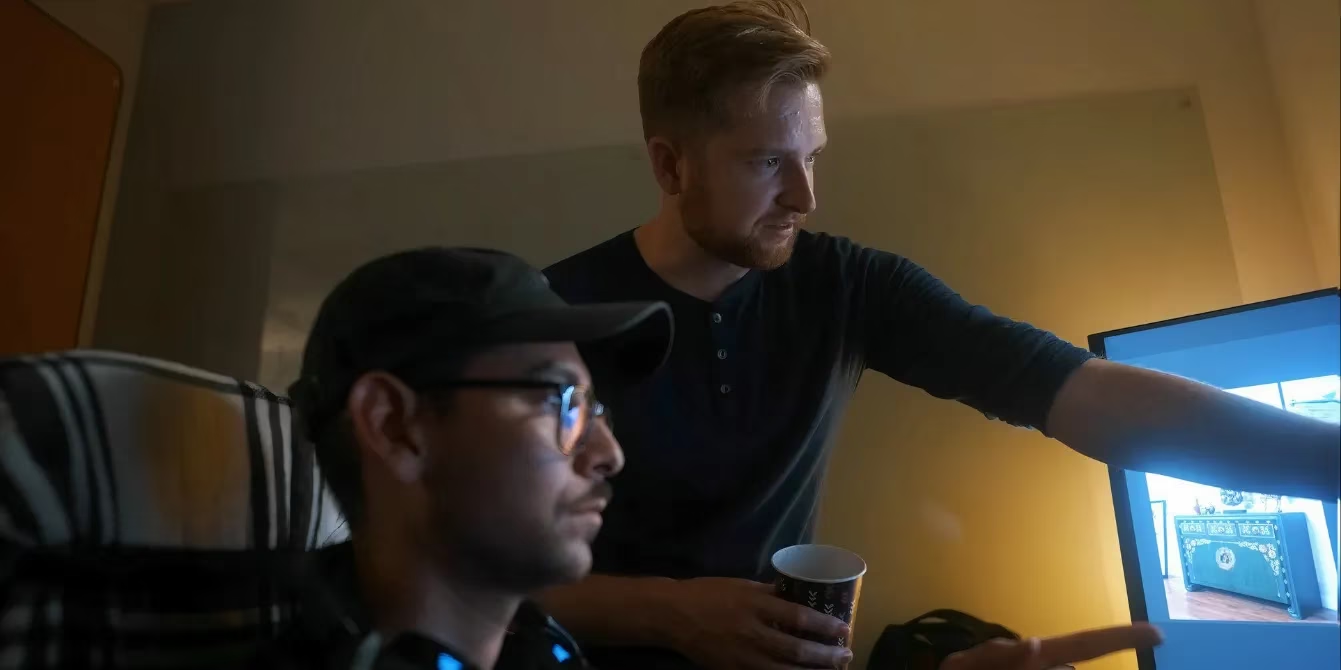
My editor friend, rocking an RTX 3080, found that combining Ray Tracing OFF + overall settings at Medium transformed his experience from a slideshow into a playable, enjoyable game. It's all about finding what works for YOUR rig.
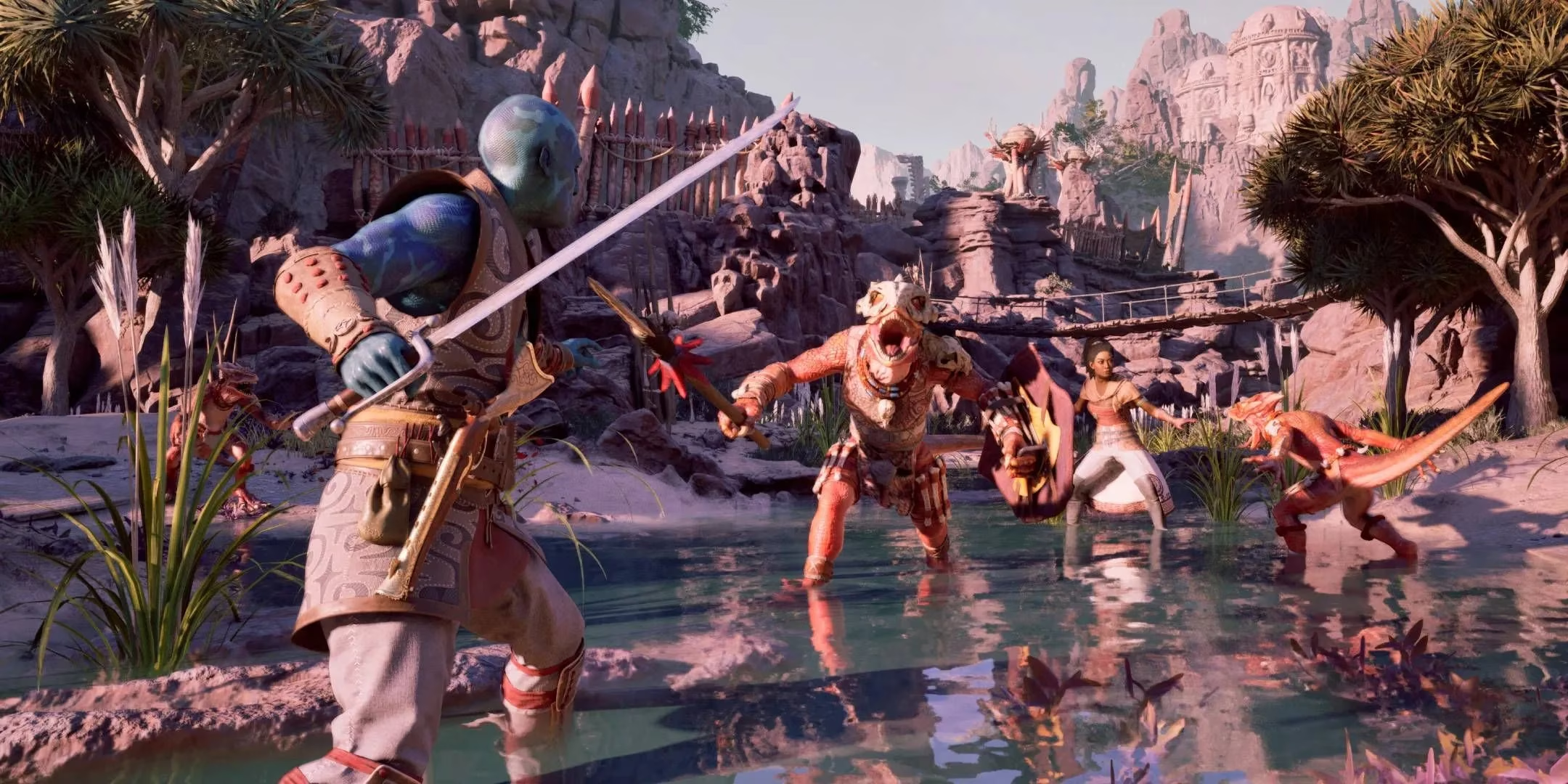
🤔 Why Does Avowed Stutter So Much? The Unreal Engine Culprit
Let's be real: stuttering has become the unwelcome guest at too many Unreal Engine game parties. Avowed, built on Unreal Engine 5, is no exception. The core issue often boils down to shader compilation. When you enter a new area, the game has to compile shaders (fancy graphics instructions) on the fly for all the new assets. If this isn't optimized perfectly, you get those jarring micro-freezes.
Think of it like a chef trying to cook a complex new recipe while a dozen hungry customers are already at the table—chaos is inevitable! Disabling demanding shader features like Ray Tracing reduces the chef's workload, leading to a smoother service.
💪 Pro-Tips & Mindset for a Smooth Journey
-
Start High, Tweak Down: Don't just set everything to Low. Start with my recommended settings above (which are mostly High/Medium), play for 15 minutes, and then adjust ONE setting at a time if needed.
-
SSD is a MUST: This game streams assets constantly. Playing on an HDD is like trying to drink a thick milkshake through a coffee stirrer—it's just not going to flow well. A fast NVMe SSD is your best friend.
-
Patience is Key: The first hour might have some stutter as the game compiles a ton of shaders upfront. It often gets smoother after this initial phase.
-
Check Background Apps: Close unnecessary programs, especially web browsers with 50 tabs open. They can steal precious CPU cycles and memory.
🎨 It's Worth the Effort!
Despite the technical hurdles, Avowed is an incredible RPG. The world-building, the companion stories, and the magic combat system are all top-tier Obsidian quality. Fixing the stutter unlocks the experience. It went from a frustrating, janky mess to one of my favorite gaming journeys of 2026—a hidden gem once you polish off the technical rough edges. It's like finding a stunning, intricate tapestry that was initially crumpled up; once you smooth it out, you can truly appreciate the artistry.
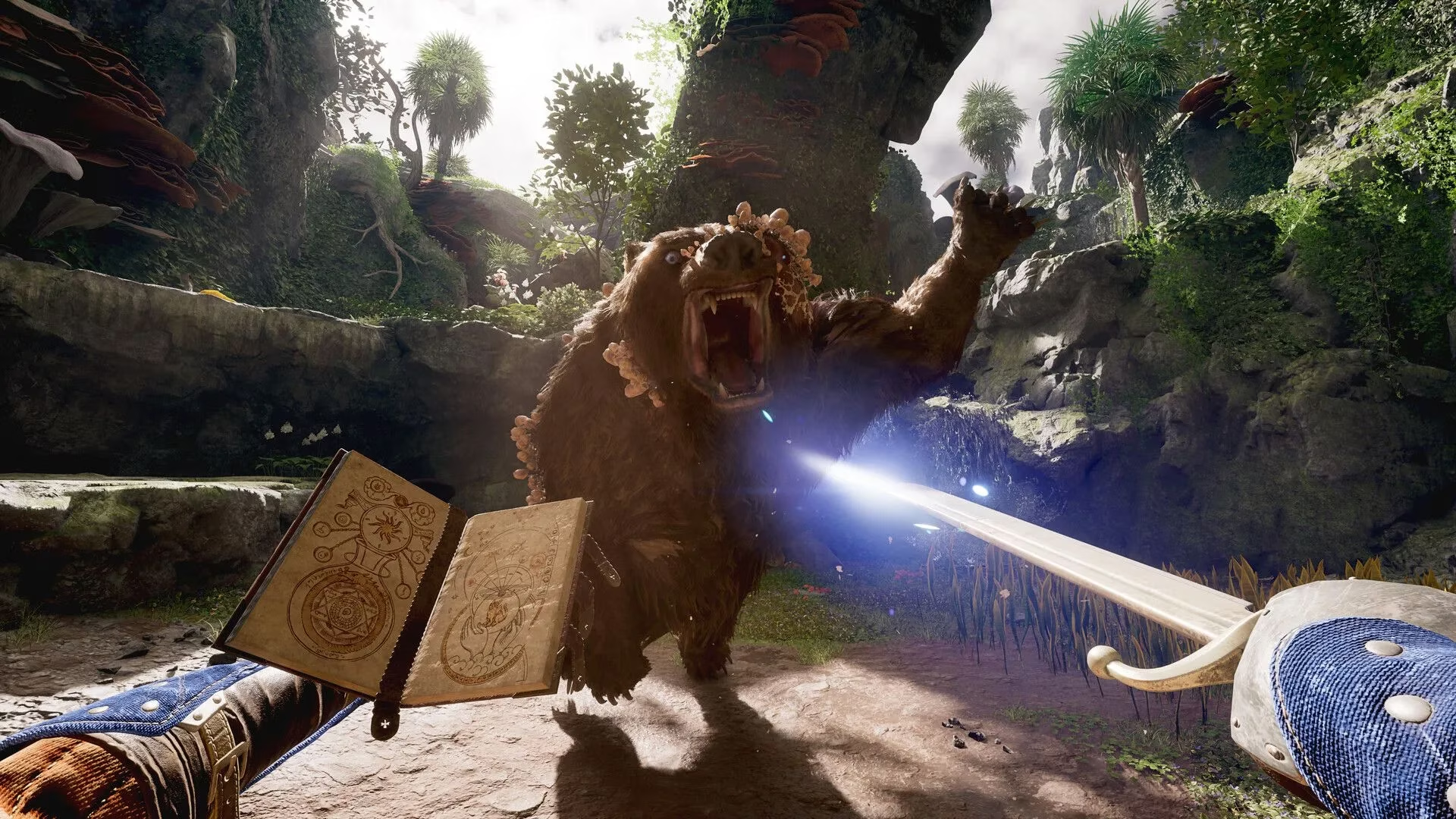
Final Verdict: Don't let the stuttering scare you away. Use this guide, tweak your settings, and give the game a little time to settle. The rich, reactive world of the Living Lands is absolutely worth it. Happy adventuring! ✨
What about you? What settings worked on your PC? Share your tips below! 👇
Comments